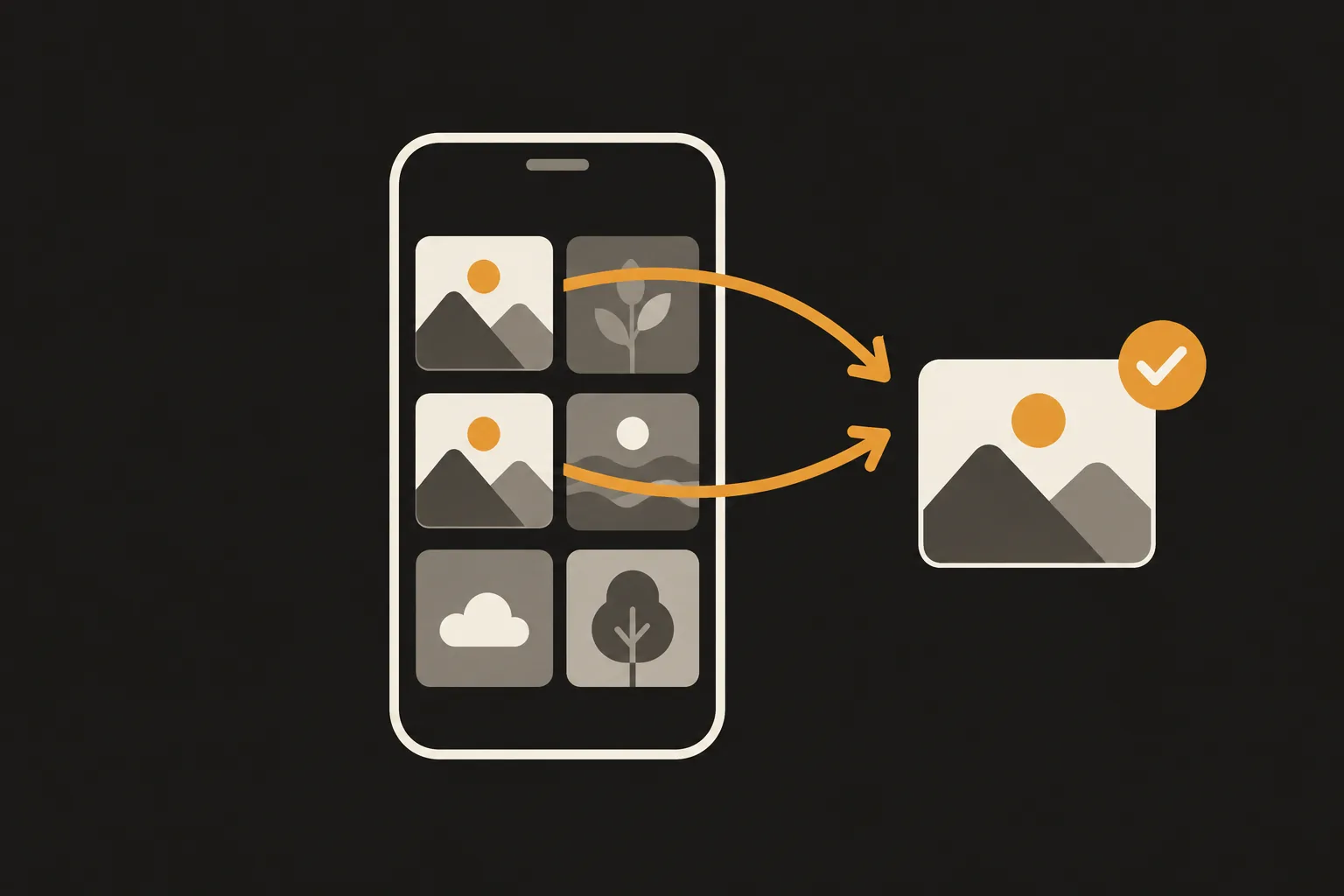
To delete duplicate photos on iPhone running iOS 26 or later, open the Photos app, tap Collections, tap Utilities, then tap Duplicates, and tap Merge on each set. The Duplicates album is free and has been built in since iOS 16 (older versions use slightly different steps, shown below), and the extra copies usually stay in Recently Deleted for 30 days. The Duplicates album is for copies, so to get rid of similar shots, blurry photos and photos where someone blinked, you need another approach, like PhotoSlimmer: its AI runs on your iPhone, your photos aren't sent anywhere, and nothing is deleted unless you choose it.
Updated 23 October 2026. Menu paths checked against Apple Support for iOS 27.
On iOS 17, tap Albums, then tap Duplicates below Utilities. iOS 15 and earlier don't have a Duplicates album. Apple added it in iOS 16.
Merging keeps one photo. Apple says it combines the highest image quality and relevant data into that photo. The other copies move to Recently Deleted, where you can recover them for 30 days. Sources: iPhone User Guide and Delete photos on your iPhone or iPad.
Full checklist: Duplicates album not showing on iPhone.
Duplicates is built for copies: the same photo or video in your library more than once. Apple doesn't publish the exact matching rules. These are the cases to check yourself:
For these you can scroll through your library and delete by hand, or use an app that looks for them.
PhotoSlimmer is a photo cleaner for iPhone and Android that groups exact copies and similar shots, and finds blurry and closed-eye photos. Exact copies came in version 2.1, released in October 2026. It’s on the App Store for iPhone and on Google Play for Android, and the steps below use the iPhone app. All analysis runs on your phone using an AI model built into the app. Nothing is uploaded.
PhotoSlimmer never deletes anything on its own and never pre-selects photos. Scanning and reviewing are free and unlimited, and you can delete up to 50 photos a day for free. The limit resets at local midnight. A one-time in-app purchase called Unlimited removes the limit ($9.99 in the US). There is no subscription.
Detection isn't perfect. We haven't published an accuracy number because there is no independent benchmark yet. For the idea behind it, see how similar photo detection works. See the About page for how it works and the Privacy Policy for what it does with data (nothing leaves your iPhone).
Get PhotoSlimmer on the App Store
On Android? Get PhotoSlimmer on Google Play.
If your library has a lot of copies and retakes, here's an order that keeps it simple:
Yes. Starting with iOS 16, the Photos app puts duplicate photos and videos in a Duplicates album under Utilities. On iOS 26 and later, open Photos, tap Collections, tap Utilities, then tap Duplicates.
Photos keeps one photo that combines the highest image quality and relevant data, and moves the other copies to Recently Deleted. You can recover them from there for 30 days.
Open Photos, tap Collections, tap Utilities, then tap Duplicates, and merge the set if you see it there. If the pair isn't in Duplicates, compare the two photos and delete the one you don't need. PhotoSlimmer shows copies like these as Exact copies in Similar Photos.
Not that Apple documents. The Duplicates album is for copies of the same photo, and Apple's list of Utilities collections has nothing for blurry or closed-eye photos. If you shot in burst mode, you can keep only the frames you want from the burst view.
Yes, since version 2.1. A photo saved twice, or saved again after you received it in a messaging app, is grouped as Exact copies in Similar Photos, even when the dates differ. Labels like Highest resolution and Original help you choose which one to keep, and nothing is deleted unless you choose it.
No. The Photos app collects duplicates in the Duplicates album, but nothing is merged until you tap Merge on a set, or select sets and tap Merge. PhotoSlimmer doesn't delete anything automatically either.
No. PhotoSlimmer never deletes anything on its own and never pre-selects photos. Every deletion goes through the iOS system confirmation, and deleted photos stay in Recently Deleted for 30 days.