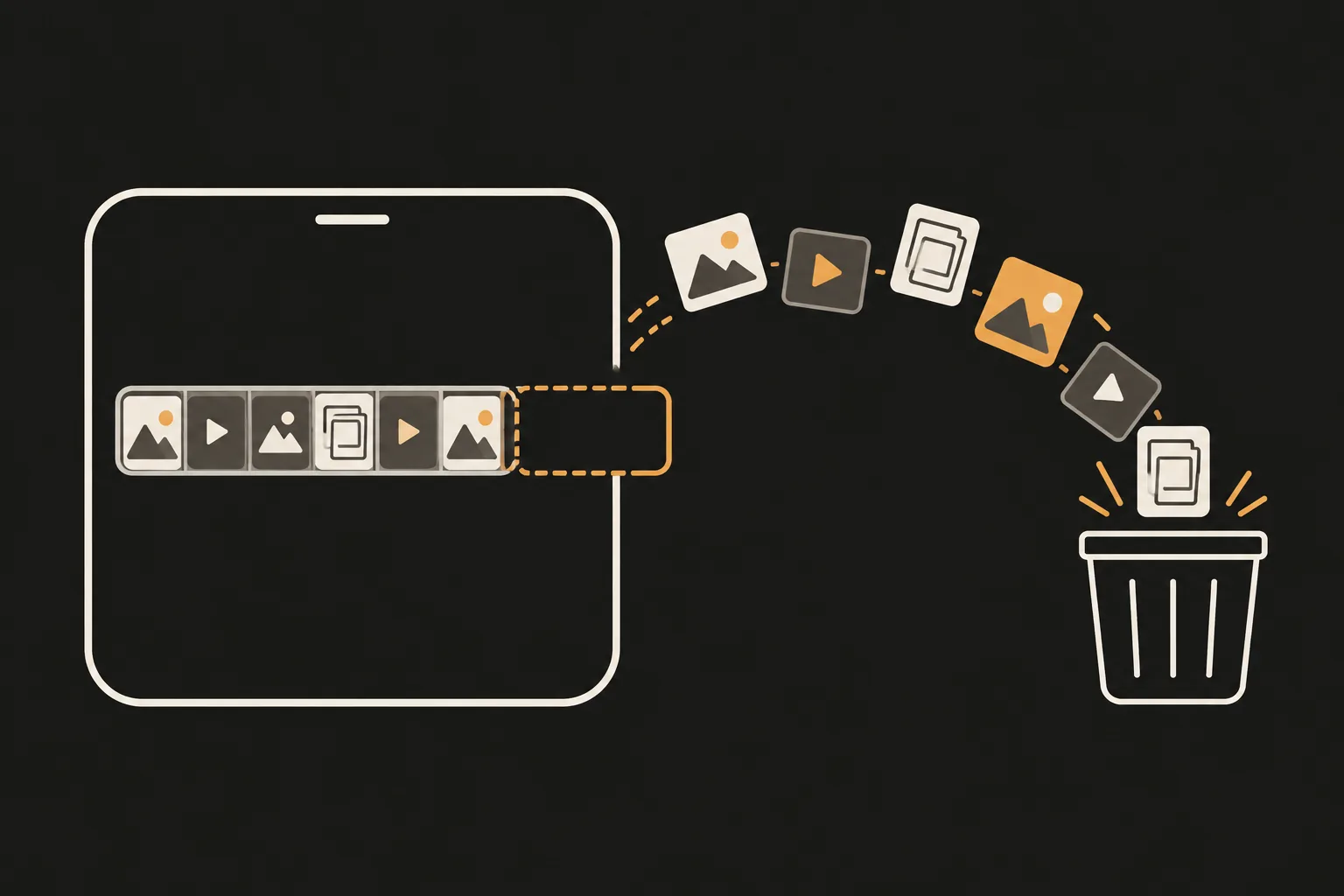
To see how much space photos take, open Settings > General > iPhone Storage. Merging duplicates, deleting screenshots and videos, and emptying Recently Deleted are free in the Photos app. For similar, blurry and closed-eye photos, PhotoSlimmer, the app we make at newmean.ai, finds them on your phone without uploading anything. You can delete 50 photos a day for free, and a one-time purchase removes the limit.
Updated 26 October 2026. Menu paths checked against Apple Support for iOS 27.
Source: How to check the storage on your iPhone and iPad (Apple Support).
Before you delete: if iCloud Photos is on, deleting a photo on your iPhone deletes it on all your devices. If you want to keep a copy, move photos to a Mac or PC first. Sources: Delete or hide photos and videos on iPhone and Locate photos and videos by media type.
If you use iCloud Photos, Apple turns Optimize Storage on by default. Full-resolution photos and videos are stored in iCloud, and your iPhone keeps space-saving copies when it needs room. To check it:
The catch: your whole library lives in iCloud, so it has to fit in your iCloud storage. Every account gets 5 GB free. Beyond that you need iCloud+, which is a paid plan. If you'd rather not pay for storage, importing photos to a computer is the free alternative. Source: Manage your photo and video storage (Apple Support).
The built-in tools handle copies, screenshots and videos well. What they don't sort out are photos you have to judge one by one: retakes taken moments apart, blurry shots, and photos where someone blinked. PhotoSlimmer finds those. It also groups exact copies and similar shots in Similar Photos, and groups screenshots and photos of documents. All analysis runs on your phone with an AI model built into the app. Nothing is uploaded, and the app has no analytics or ad SDKs.
Scanning and reviewing are free and unlimited. You can delete up to 50 photos a day for free, and the limit resets at local midnight. A one-time in-app purchase called Unlimited removes the limit ($9.99 in the US). There is no subscription, no ads, no tracking and no analytics SDK, and the App Store privacy label reads Data Not Collected. More on the About page and in the Privacy Policy.
Get PhotoSlimmer on the App Store
On Android? Get PhotoSlimmer on Google Play.
Deleted photos are kept in Recently Deleted for 30 days before they are permanently removed from your iPhone. To get the space back sooner, open Recently Deleted, select the photos, and delete them there. That can't be undone.
No. Full-resolution photos and videos are stored in iCloud, and your iPhone keeps space-saving copies when it needs room. Your library has to fit in your iCloud storage: 5 GB is free, and more needs a paid iCloud+ plan.
Yes. Merging duplicates, deleting screenshots and videos, trimming bursts, and emptying Recently Deleted are all built into iOS and free. PhotoSlimmer is also free for up to 50 deletions a day.
Apple says the Photos category covers photos and videos stored in the Photos app. To see it, open Settings, tap General, then tap iPhone Storage.
The Photos app merges duplicates, but Apple doesn't document an album for blurry or closed-eye photos. PhotoSlimmer, which we make, finds similar shots, blurry or shaky photos and photos with closed eyes. It never deletes on its own, so you choose what goes.
No. Analysis runs on your phone with an AI model built into the app, and the App Store version makes no network requests during photo scans. There's no account, and the App Store privacy label reads Data Not Collected.
Downloading, scanning and reviewing are free, and you can delete up to 50 photos a day for free. The limit resets at local midnight. A one-time purchase called Unlimited removes the limit ($9.99 in the US). There's no subscription.